PostgreSQL Install on Windows
Table of Contents
1. Download
Download an appropriate installer from here.
2. Install
Installation instructions can be found here.
3. Post Install
3.1. Configure For Remote Access
3.1.1. Configure Firewall
-
Open default port
5432for PostgreSQL. -
Run the
netshcommand.
|
If you specified a custom port in the previous statement, you should specify that value here too as the |
netsh advfirewall firewall add rule name = PostgreSQL dir = in protocol = tcp action = allow localport = 5432 remoteip = localsubnet profile = DOMAIN (1)| 1 | this is the netsh command to open the firewall |
3.1.2. Configure Host Based Authentication
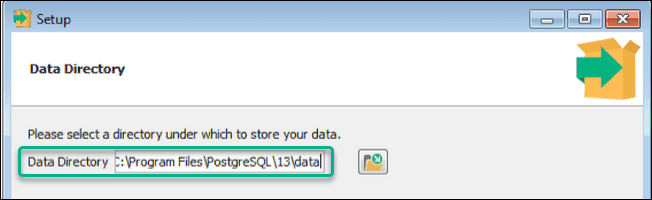
Edit the pg_hba.conf file. This file will be located in the Data Directory you chose during this step of the configuration:
Add the following to accept connections from all hosts on the network 192.168.1.XXX:
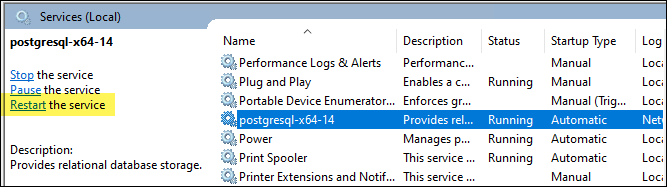
host all all 192.168.1.1/24 scram-sha-256Restart PostgreSQL.