Opswise Windows Apache Upgrade
Table of Contents
1. Preinstall

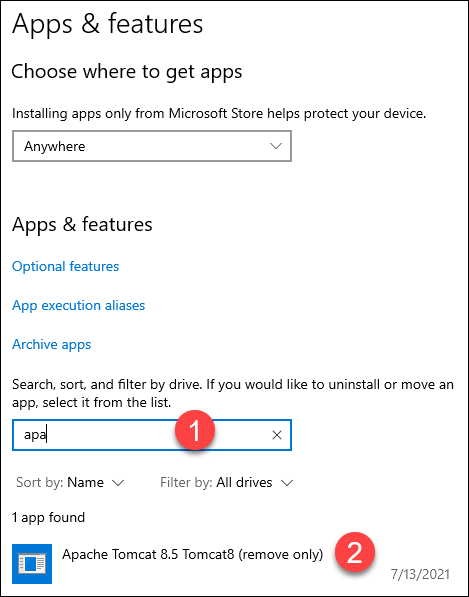
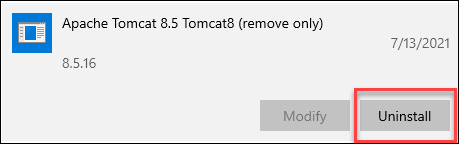
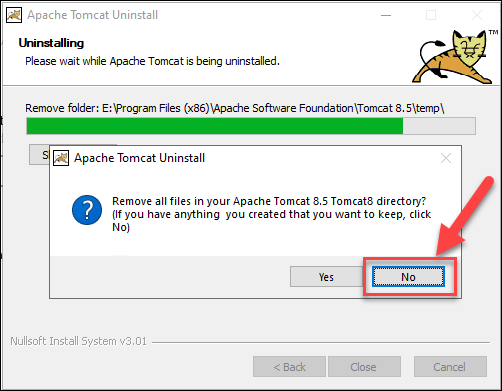
2. Uninstall Apache Tomcat
2.2. Backup Apache Folder
-
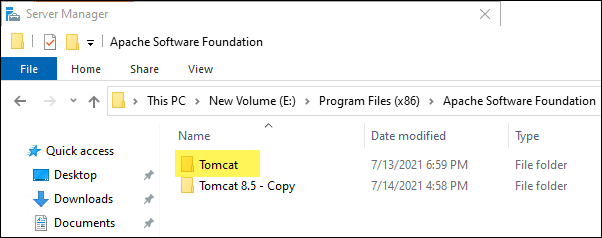
Make a backup of the
E:\Program Files\Apache Software Foundation\Tomcat 8.5folder.
3. Install
Start the install…
-
Confirm that this install folder points to our original folder containing our Opswise related files.

4. Post Install
4.1. Confirm Apache is Running and its Current Version
-
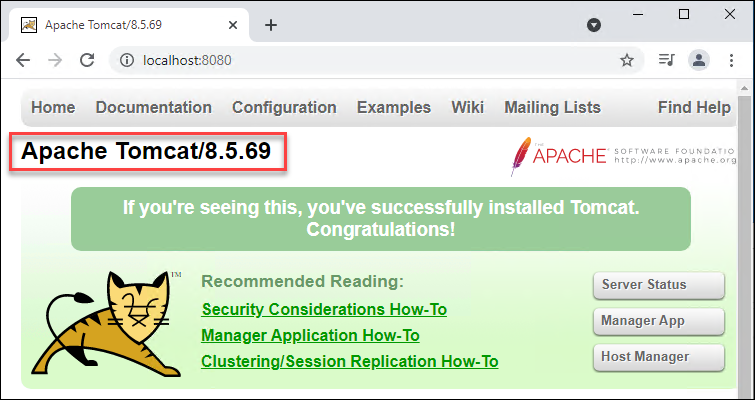
On the Opswise server, launch a browser and browse to: http://localhost:8080
-
You should see the following page with the current Apache Tomcat version in the upper left corner.
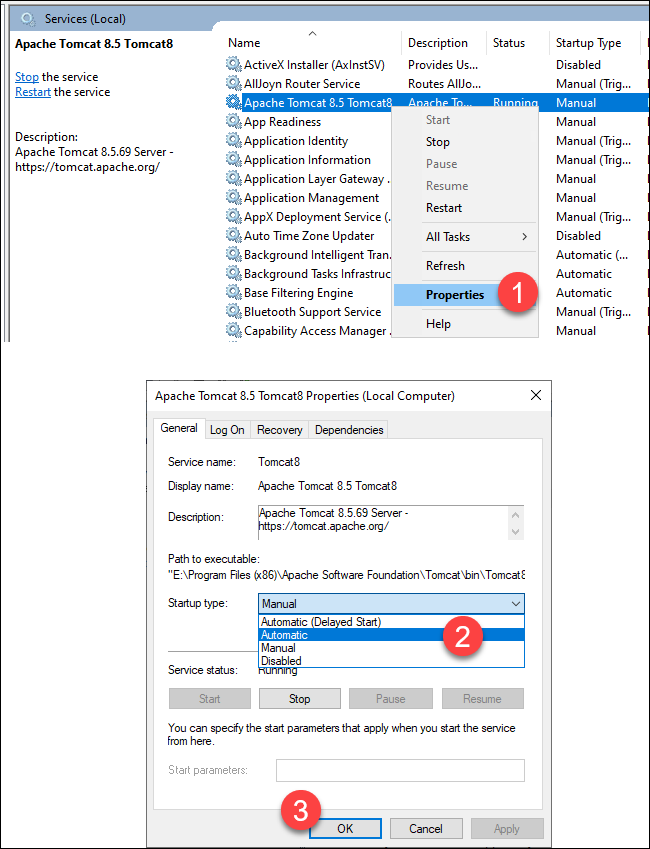
4.2. Configure Apache Service for Auto Start
-
The newly installed Apache Service is not configured for automatic start.
-
Perform the following to configure it to start automatically when the server is restarted: