Jellyfin Guide
Table of Contents
1. Initial Setup
Initial setup
-
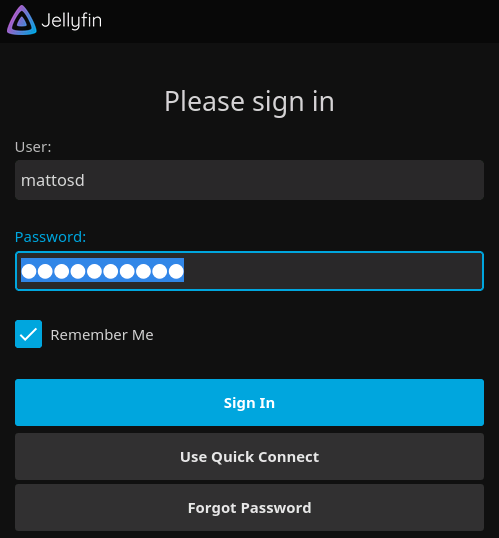
Browse to
http:localhost:8096 -
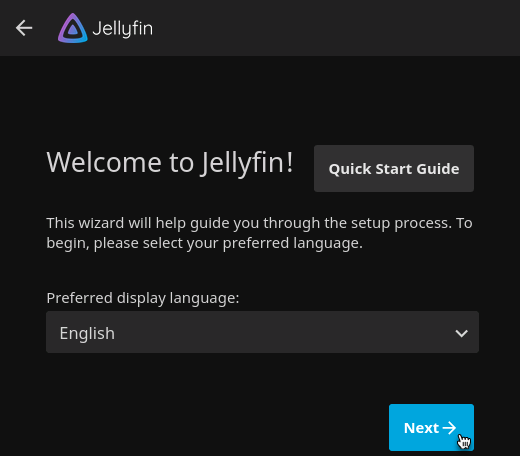
Start the Wizard
-
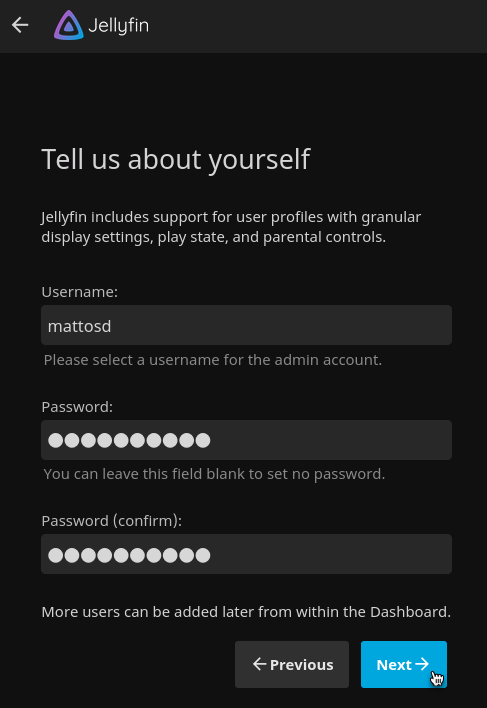
Add admin account
-
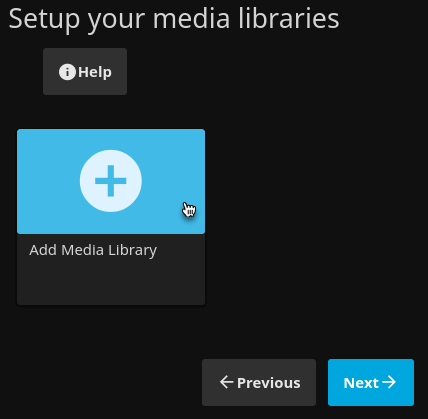
Add Media Library. Click the Add Media Library button.
-
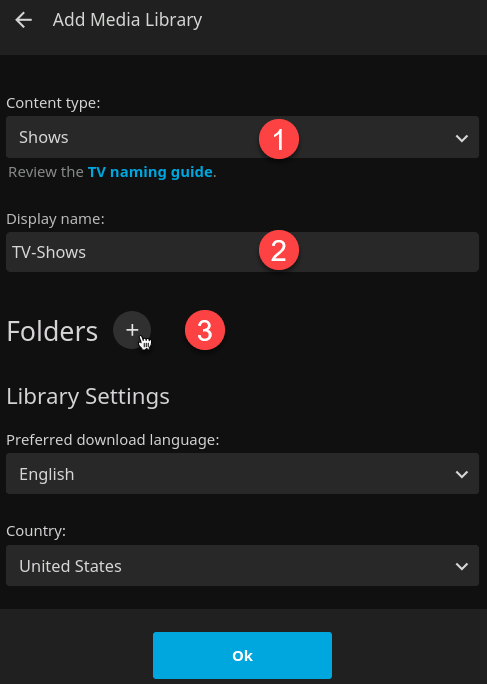
Add TV Media Library.
-
Set the
Content typeto Shows. -
Set the
Display nameto TV-Shows -
Click the Folders button.
-
-
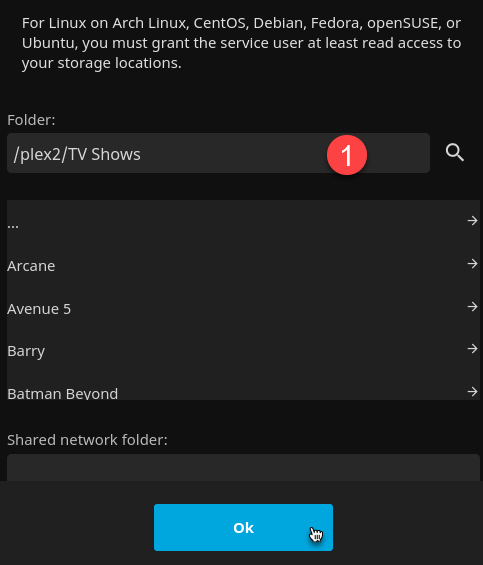
Add TV Media Library
-
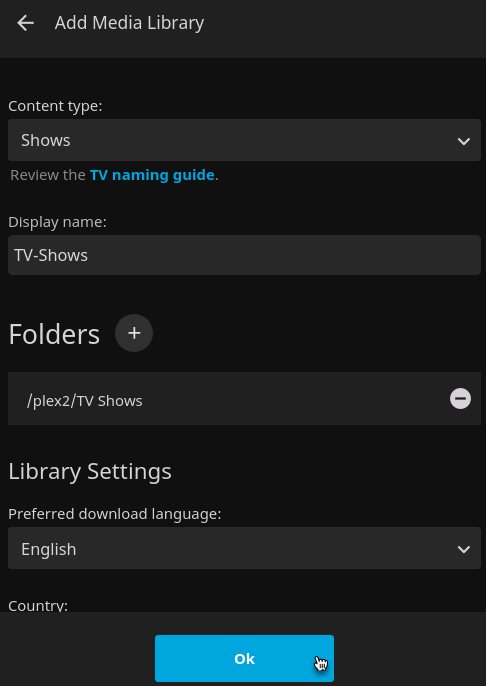
Finished TV Media Library
-
Finished TV Media Libraries
-
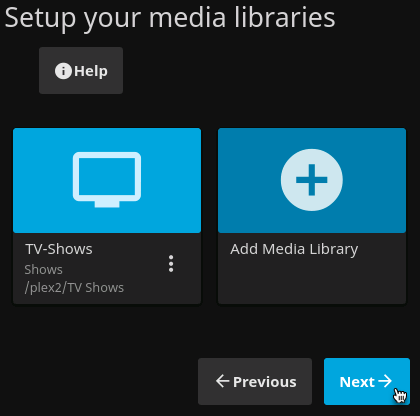
Finished Media Libraries
-
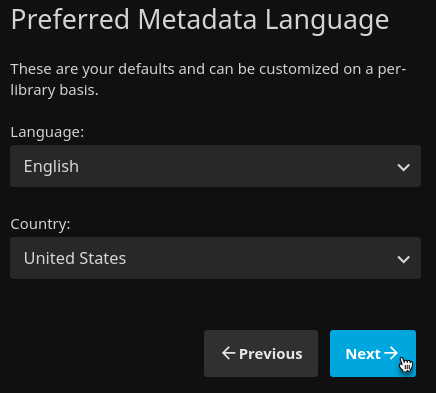
Setup Metadata Language
-
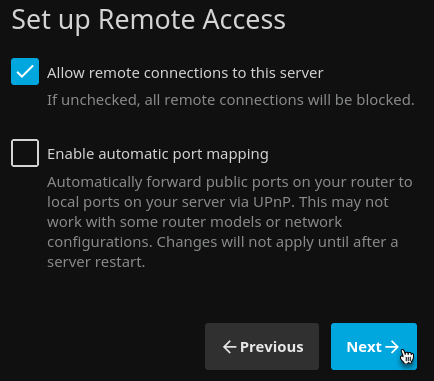
Setup Remote Access
-
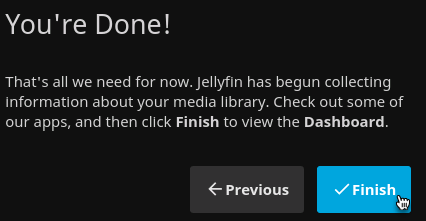
Setup Complete