Docker Image: GitLab
-
Documentation for the GitLab Docker image can be found here.
-
Retrieve the GitLab Community Edition Docker image
docker pull gitlab/gitlab-ce Using default tag: latest latest: Pulling from gitlab/gitlab-ce 5d3b2c2d21bb: Pull complete 56303c27e216: Pull complete d77432ed39b2: Downloading [=====> ] 103.4MB/910.7MB Digest: sha256:f4ca6db8c0fca1bba34aa6b6cb3a320ffaf7e776653c4c310165972e57164184 Status: Downloaded newer image for gitlab/gitlab-ce:latest docker.io/gitlab/gitlab-ce:latest -
Start a detached container based on the GitLab CE image with a friendly name of MyGitLab.
docker run -t -d --hostname my.host.com -p 8080:80 --name MyGitLab gitlab/gitlab-ce (1)

74821155daea757108df17e34d1546c62eb9f9a71861fb046937f64a207633eb
1 Note the -p option is redirecting the host’s local port 8080 to the container’s port 80 Wait a few minutes while GitLab is automatically installed in the container. -
Navigate to the containers web page.
http://localhost:8080/users/sign_in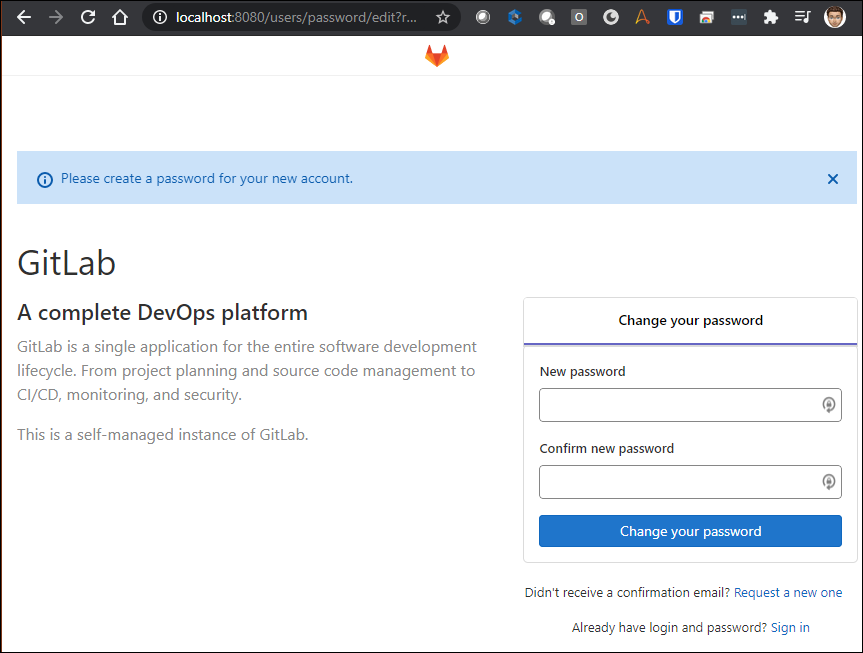
The administrator’s user name is
root.