Docker Image: Camunda
-
Documentation for the
Camunda CEDocker image can be found here. -
Retrieve the
Camunda CEDocker image:docker pull camunda/camunda-bpm-platform:run-latest run-latest: Pulling from camunda/camunda-bpm-platform 532819f3e44c: Pull complete 25797bbc5934: Pull complete Digest: sha256:c0d784bc5e0f02b8446b2e422c446f08a84ddcc6a274130e79c0939c91e8b3da Status: Downloaded newer image for camunda/camunda-bpm-platform:run-latest docker.io/camunda/camunda-bpm-platform:run-latest -
Start a detached container based on the
Camunda CEimage with a friendly name of MyCamunda.docker run -t -d -p 8080:8080 --name MyCamunda camunda/camunda-bpm-platform:run-latest (1) 4015103ef077b1f08028b7b85f4fc816cb1607d16b5b73e89d95035925a1dac61 Note the -p option is redirecting the host’s local port 8080 to the container’s port 8080. Wait a few minutes while Camunda is automatically installed in the container. -
Navigate to the containers web page:
http://localhost:8080/camunda/app/welcome/default/#!/login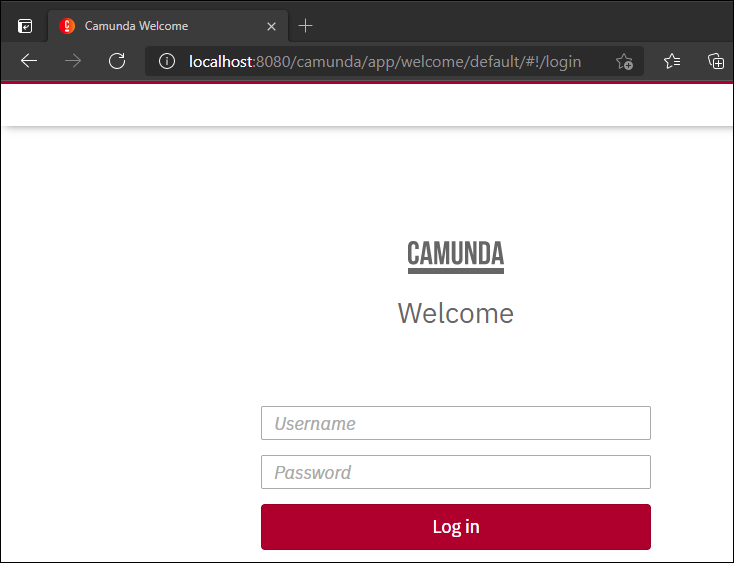
You can log in with username/password: demo/demo.
|